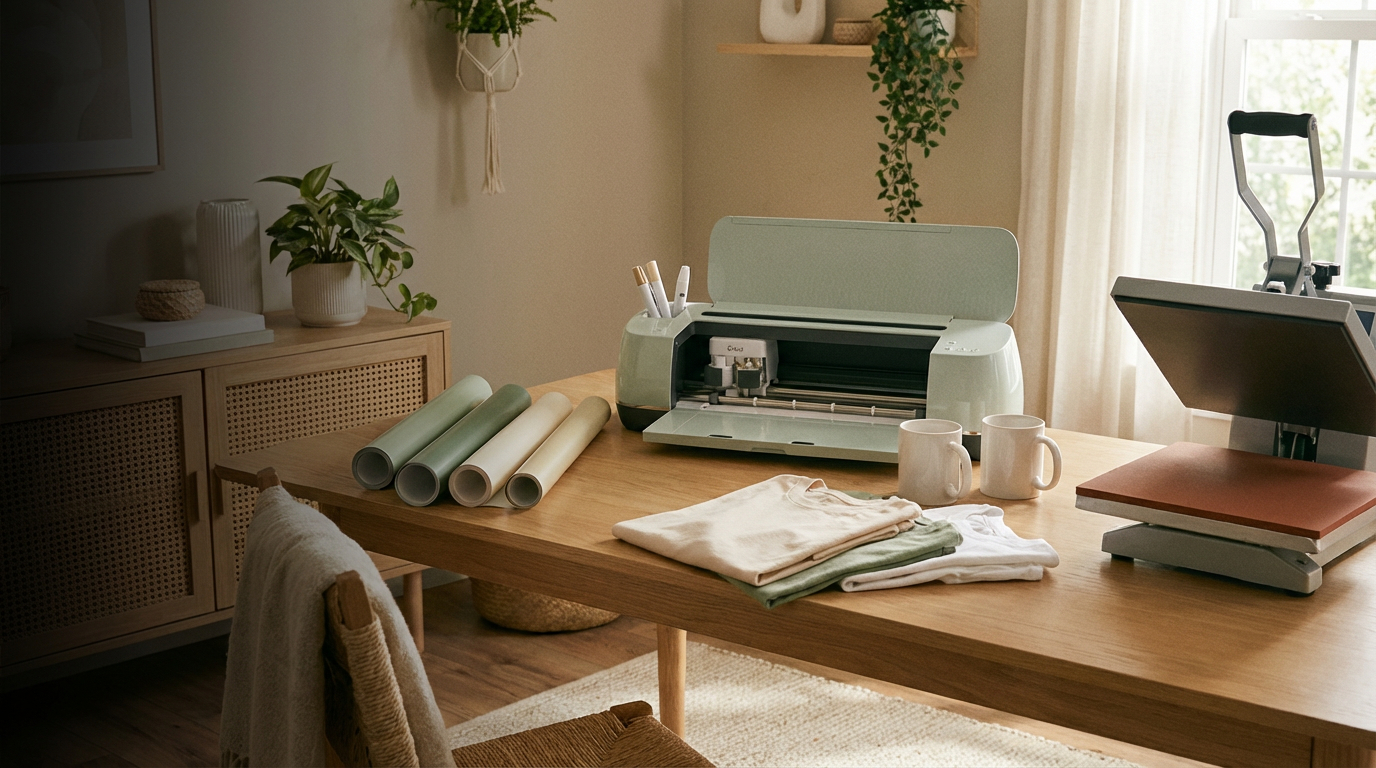
Cricut crafting desk with cutting machine, vinyl and laptop
Fonts curated for Cricut makers

Cricut fonts that
cut clean and look custom

One project can look handmade or high‑end depending on the font. This guide collects Cricut‑friendly fonts from Creative Fabrica that stay readable after cutting and work on mugs, shirts, stickers and signs.

Works with Cricut Design Space: install on your computer and pick the font inside your usual projects.

Scripts, bold quotes and farmhouse styles tested on vinyl, cardstock and HTV for everyday crafts.

When a pretty font becomes hard to weed

A script font looks perfect on the screen, but once Cricut cuts it on vinyl every loop turns into tiny islands. Weeding takes longer than the whole design and some curls stretch or tear on the mat.

Another frequent situation: a bold quote looks fine in Design Space, yet on a small mug the letters fuse together. After pressing the decal it is hard to read a short word from arm’s length.

This page focuses on fonts that stay legible in real Cricut projects instead of turning every mug or shirt into a weeding challenge.

Cricut‑ready font picks

Use these fonts as a starting point for mugs, shirts, labels and farmhouse decor.

View full Cricut collection

Names & mugs

Script for personal gifts

Use these scripts when a project needs that handwritten feel: first names on mugs, “thank you” tags, glitter decals and layered quotes.

Letters connect well for cutting and still stay separate enough to weed without fighting every loop.

I Love Glitter

Works for name decals with hearts and swashes between words on cups and gift boxes.

See on Creative Fabrica

Heartbeat

Good for couple shirts, baby announcement signs and gift tags with short phrases.

See on Creative Fabrica

T‑shirts & tumblers

Everyday quote fonts

These fonts work for bold statements on shirts and tumblers where the message carries the whole design.

Long words remain readable after pressing and look balanced on medium and large surfaces.

Better Together

Fits couple shirts, anniversary gifts and matching family outfits where the phrase stands alone.

See on Creative Fabrica

Rushton

Strong block letters for one‑line quotes on sweatshirts and wooden signs.

See on Creative Fabrica

Big Adventure

Works for travel mugs, camping shirts and kids’ trip outfits with playful, legible letters.

See on Creative Fabrica

Kids & farmhouse

Labels and cozy decor

For kids’ rooms, pantry labels and farmhouse‑style signs the font must feel friendly and still be easy to cut at smaller sizes.

These fonts cover handwriting for school projects and rustic lettering for wooden boards.

Children Writing

Great for school labels, reward charts and kids’ room signs with a real handwriting feel.

See on Creative Fabrica

Farmhouse Moment

Fits kitchen boards, entryway signs and seasonal decor with a classic farmhouse look.

See on Creative Fabrica

Hey Magnolia

Use for soft quotes on bedroom signs, nursery decor and gentle seasonal pieces.

See on Creative Fabrica

Try several fonts before you cut

Instead of searching font by font, you can start from the Cricut font category on Creative Fabrica and save several styles to a test project in Design Space.

Type one phrase, duplicate the text layer and switch fonts to see which option weeds faster and stays readable at the size you plan to cut.

How to start using these Cricut fonts today

The process is simple: download, install, open Cricut Design Space and test your phrase before cutting on real material.

Step 1

Pick a font from this page

Choose a font that fits your project: script for names, bold for quotes or farmhouse for signs.

Step 2

Download and install

Download the font from Creative Fabrica, install it on your computer and restart Cricut Design Space.

Step 3

Test before cutting

Type your phrase, resize it to real project size and check how letters look before sending to the mat.

Every purchase through the links on this page supports this curated guide at no extra cost to you.

Cricut font questions, answered

Do these fonts work with Cricut Design Space?

Yes. Install the font on your Windows or Mac computer and open Cricut Design Space. The font appears in the system font list and can be used like other installed fonts.

Can I use these fonts for items I sell?

Creative Fabrica provides the commercial license, so you can use the fonts on physical products you sell. Always double‑check the license details on the font page before starting a large batch of products.

How small can I cut these fonts?

For most projects, keep script fonts at least 0.75–1 inch tall and bold fonts at 0.5 inch or larger. If a design includes very thin strokes, make a small test cut on scrap material before cutting the final project.